ProfilePorter.dmg
Your download is starting.
If it doesn't, download ProfilePorter.dmg (about 6 MB, macOS 14 or later, Apple silicon or Intel).
Then three steps, about a minute. On Windows? Get the Windows version
ProfilePorter-Windows.zip
Your download is starting.
If it doesn't, download ProfilePorter-Windows.zip (Windows 10 or 11).
Then three steps, about a minute. On a Mac? Get the Mac version
Set it up in three steps
-
Step 1 of 3
Move it to Applications.
Open ProfilePorter.dmg in Downloads. In the window that opens, drag Profile Porter onto Applications.
-
Step 2 of 3
Open it and allow access.
It asks for Full Disk Access so it can read your browsers' history and cookie names. Nothing is uploaded.
Click Open Privacy Settings, then turn on Profile Porter under Privacy & Security › Full Disk Access.
-
Step 3 of 3
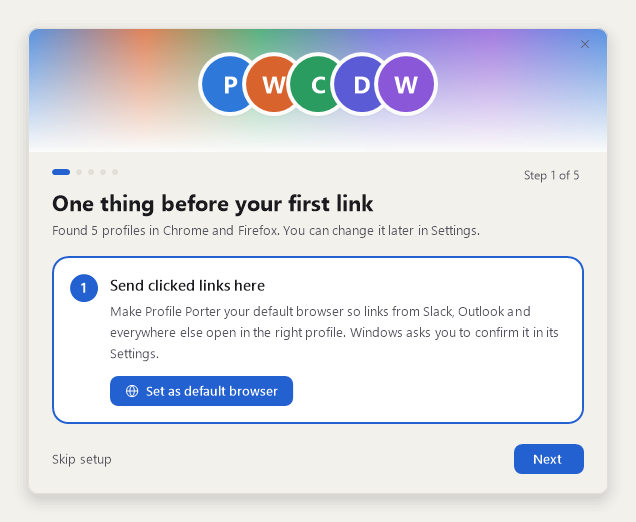
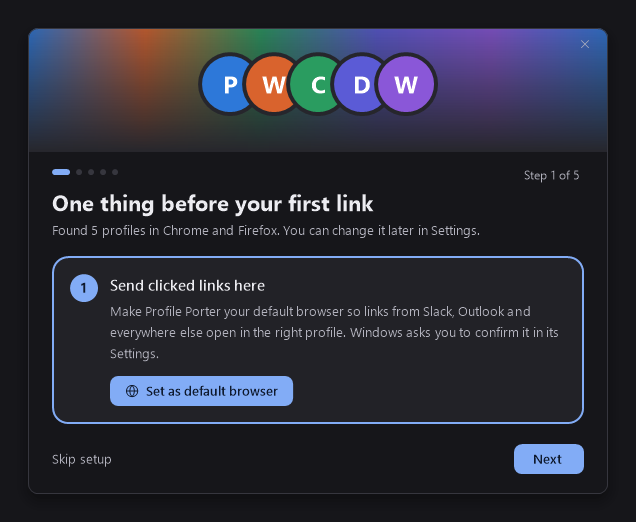
Make it your default browser.
macOS asks you to confirm. Links now go to the right profile.
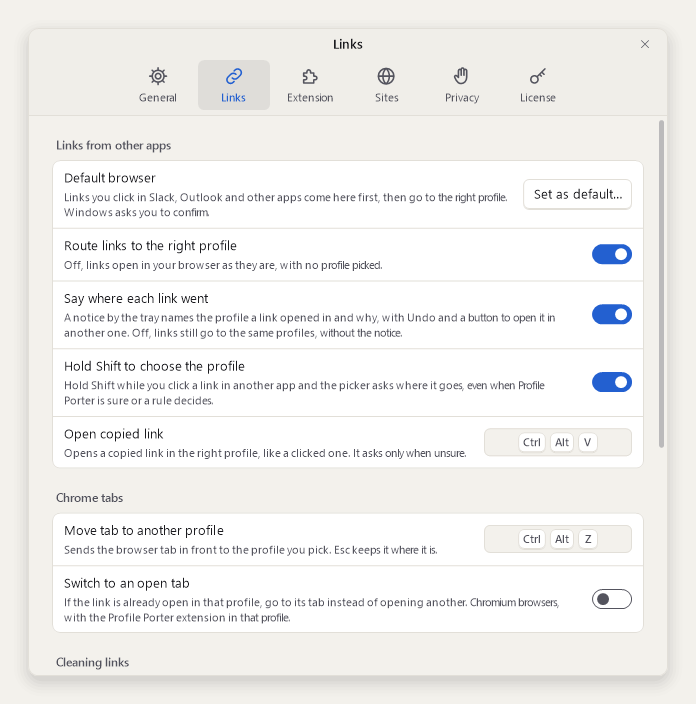
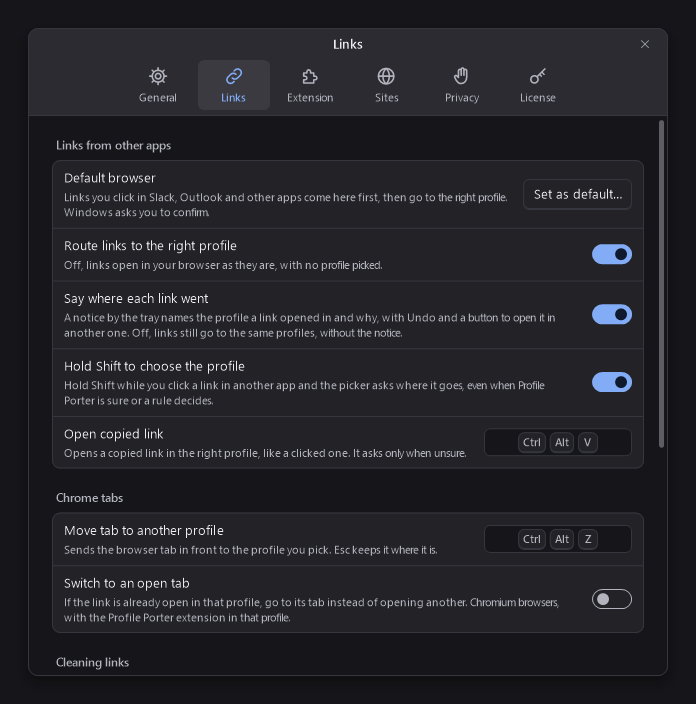
Skipped it during setup? It's in Settings › Links: click Set as default.
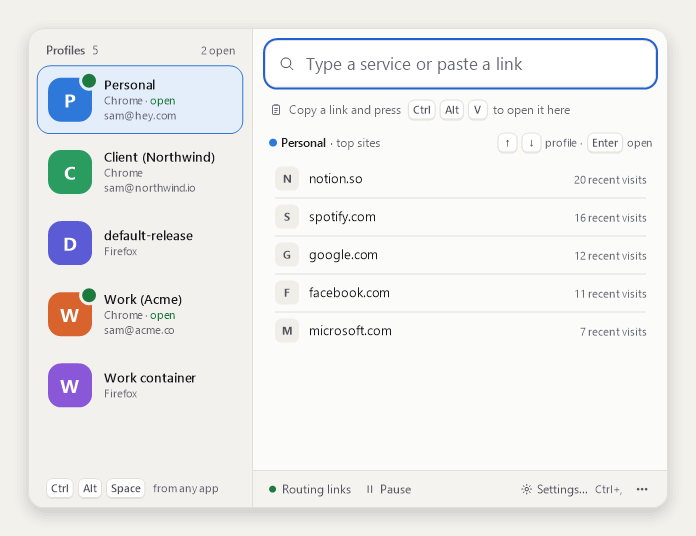
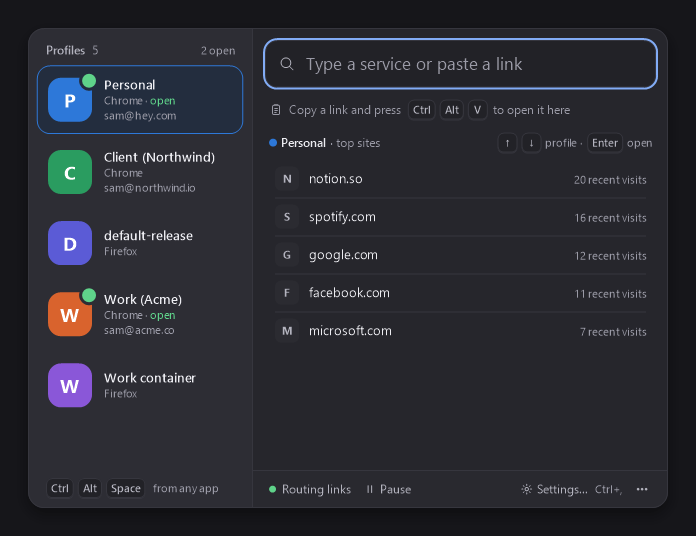
The panel is in your menu bar.
Press ⌃⌥Space from anywhere.
Stuck? Email support@profileporter.com.